
The All-in-One Crypto App
A next level crypto wallet for Solana, Ethereum, Monad, Sui, and more.
What Can You Do With the Backpack Wallet Extension?
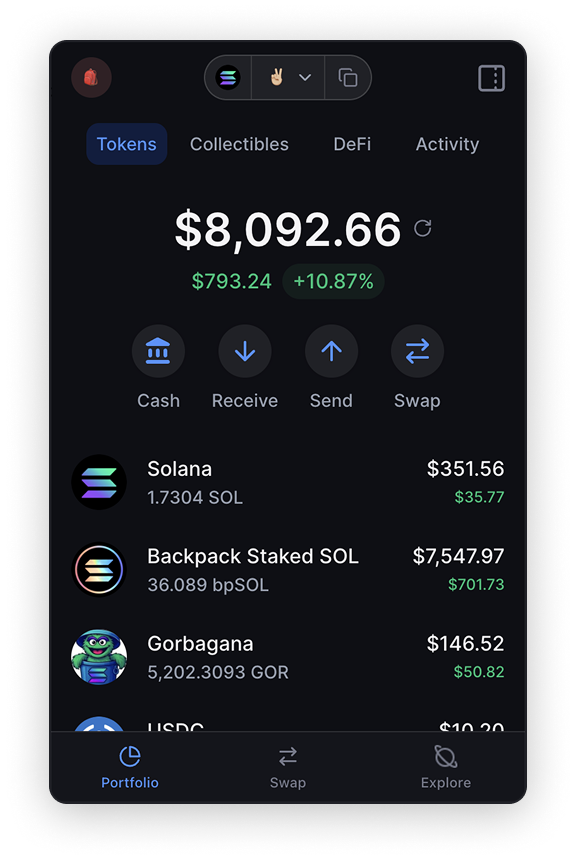
At its core, Backpack is a wallet that handles several chains in one place. Backpack's own guides list support for Solana, Ethereum, Sui, Monad, Arbitrum, Base, Optimism, Polygon, Eclipse, Berachain and Sonic. Sei was added later for both the wallet and the exchange. You pick a primary network when you set up, and you can add more afterward.
Beyond sending and receiving, the extension lets you swap tokens and stake tokens for rewards. You can also view NFTs and list them for sale without leaving the wallet, and track airdrop allocations you might be able to claim. If you already use MetaMask, Phantom, Solflare, OKX Wallet or Magic Eden Wallet, Backpack says you can import those Solana, Ethereum and Sui wallets instead of starting from zero.
There's also a direct link to Backpack Exchange, so you can move funds from your wallet to an exchange account. Keep in mind that Backpack notes the exchange may not be available to every user, depending on where you live.
How to Install the Backpack Wallet Extension on Chrome, Brave or Edge
The whole setup takes about five minutes if you have a pen and paper ready.
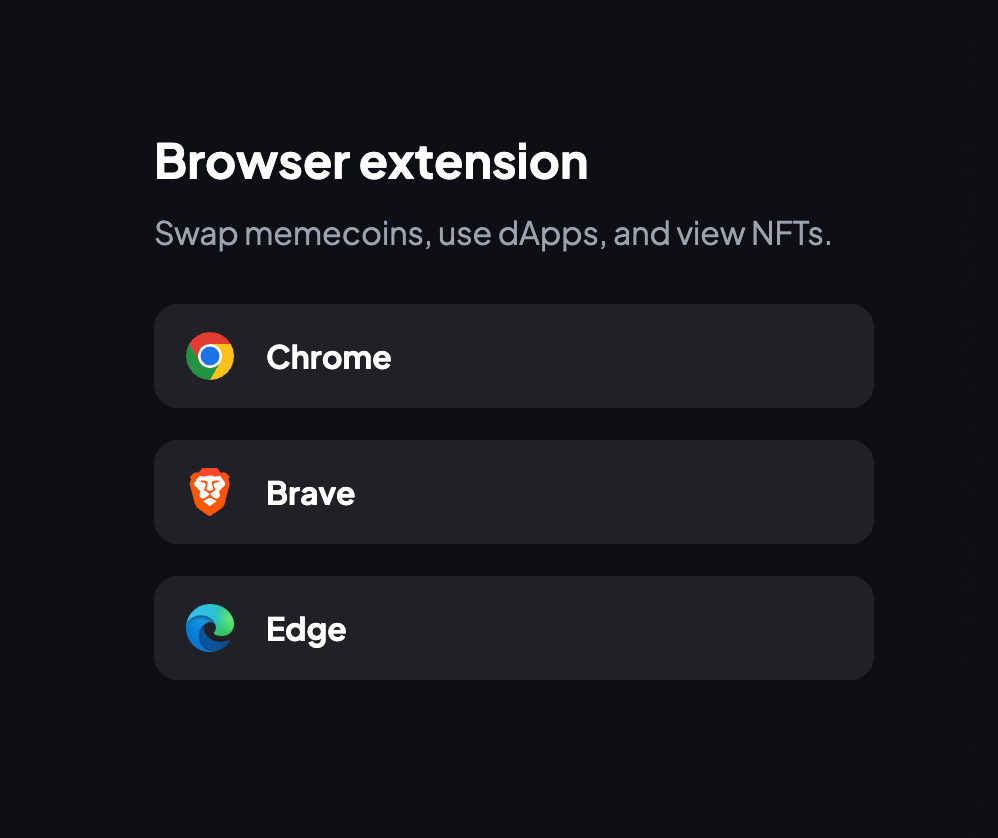
- Go to backpack.app and click Download Backpack Extension. For Brave or Edge, open More Downloads and pick your browser.
- On the Chrome Web Store page, check that the listed website is backpack.app before you click Add to Chrome.
- Click the Backpack icon in your browser toolbar and choose Create a new Wallet. If you already have a wallet, pick the import option instead.
- Choose your primary network, such as Solana or Ethereum. You can add other networks later.
- Set a strong password. You use it to open the extension, but it is not your recovery phrase and can't restore your wallet on its own.
- Click Secure your wallet to see your Secret Recovery Phrase. Write it on paper, in order, and never screenshot it or save it to cloud storage.
- Click the puzzle piece icon in your toolbar and pin Backpack so it's always one click away.
Once it's pinned, copy your address from the wallet screen and send a small test amount before moving anything larger.
Using Backpack Wallet on Android and iPhone
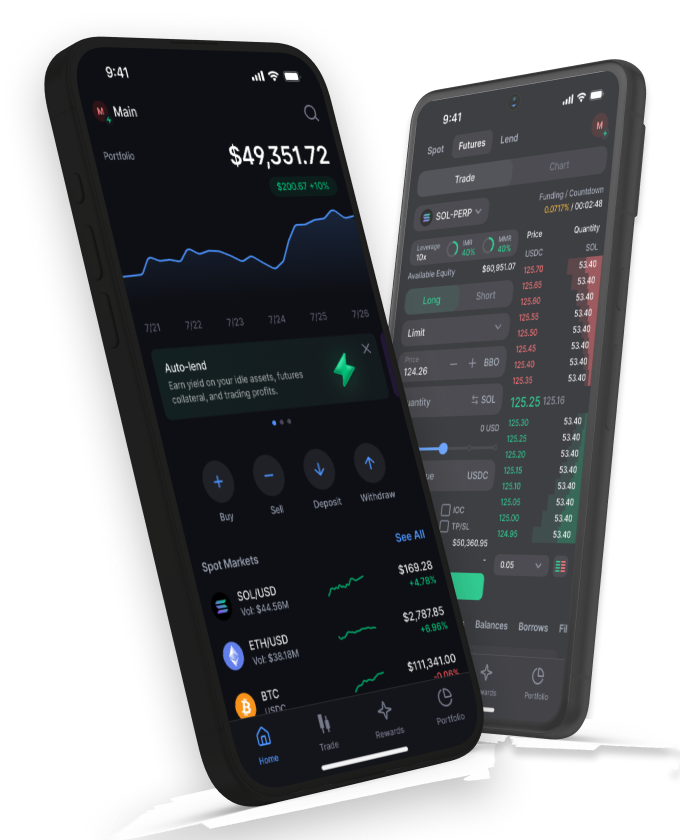
The mobile app puts the wallet and Backpack Exchange in one place, and you can switch between the two inside the app. It's handy if you want to check balances or approve something away from your laptop. Setup follows the same idea as the extension, with a couple of extra options like biometrics.
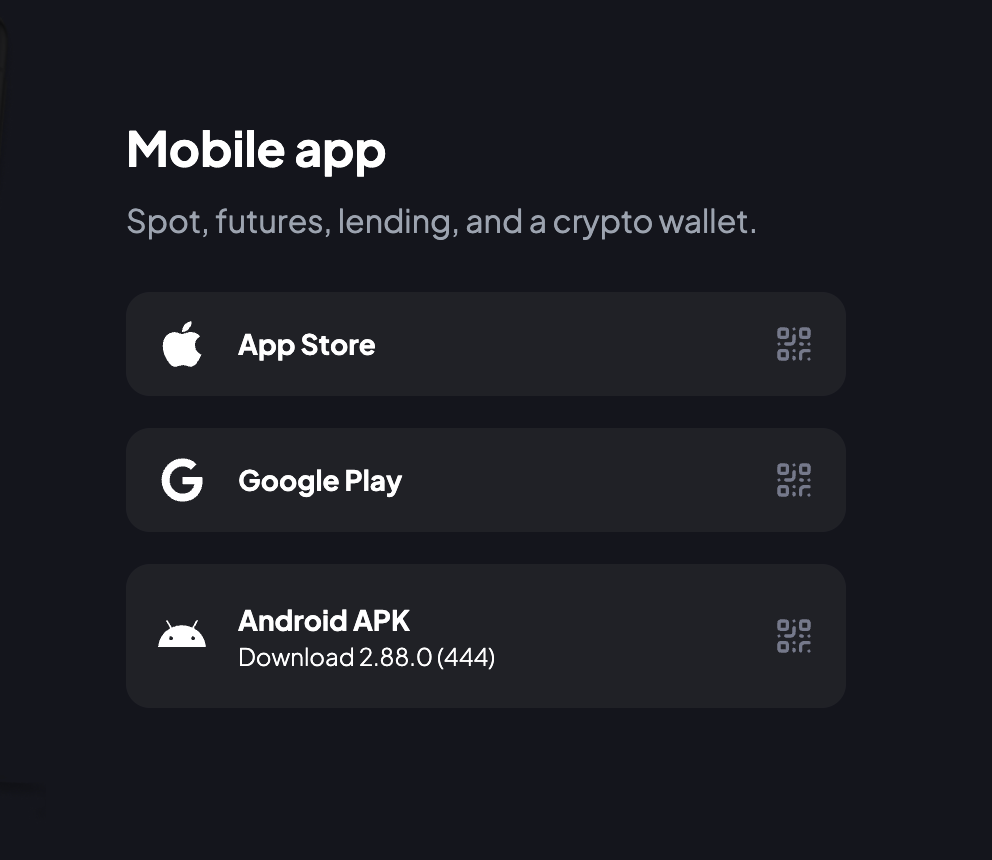
- Install Backpack from the App Store or Google Play. The safest route is tapping the store links on backpack.app/download.
- Open the app, tap Wallet, then tap Create a new wallet.
- Pick the network you want to start with. You can add or remove networks later.
- Tap Secure your wallet, then Backup now, and write down the Secret Recovery Phrase you see.
- Already have a Backpack wallet? Tap I already have a wallet, enter your recovery phrase, set a new password and turn on biometrics if you'd like.
- Send SOL, ETH or another supported token to your new address to fund it.
Frequently Asked Questions
Is Backpack Wallet free to use?
Yes, creating a Backpack wallet is free. You'll still pay network fees when you send, swap or stake, and those depend on the chain and how busy it is.
Which browsers support the Backpack Wallet Extension?
Backpack officially lists Chrome, Brave and Edge, all installed through the Chrome Web Store. Firefox and Safari aren't on the official download page, so be careful with any listing claiming otherwise.
Which blockchains does Backpack Wallet support?
Backpack supports Solana, Ethereum, Sui, Monad, Arbitrum, Base, Optimism, Polygon, Eclipse, Berachain and Sonic, with Sei added more recently. Supported networks change over time, so check the wallet's network list for the current set.
Is Backpack a self custodial wallet?
Yes, the Backpack wallet is self custodial. You hold the Secret Recovery Phrase, and Backpack says it can't recover it for you. Backpack Exchange, on the other hand, is a separate centralized exchange account.
Can I import my MetaMask or Phantom wallet into Backpack?
Yes, Backpack supports importing Solana, Ethereum and Sui wallets from MetaMask, Phantom, Solflare, OKX Wallet and Magic Eden Wallet. You'll need the recovery details for the wallet you're bringing over, so keep them private while you do it.